 Jigar Karangiya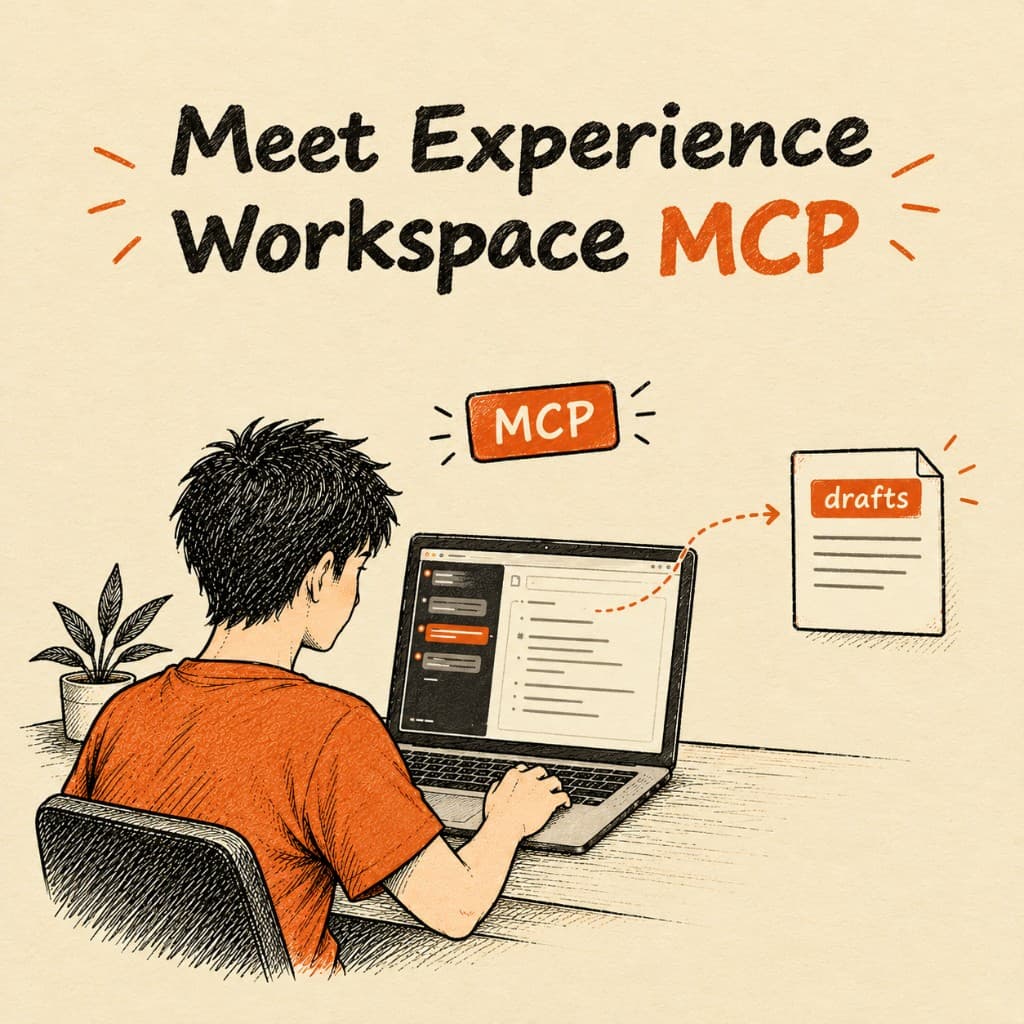
Experience Workspace MCP connects Cursor, Claude, or ChatGPT to a Document Authoring org. From the chat, the agent can list a folder, read a file, create a page, update it, move it, and pull version history. Adobe's examples are "draft a new page at /products/overview and save it to Experience Workspace" and "show me what changed in this document over the past week."
I already covered dropins MCP (opens in new tab) for the commerce storefront. That server reads the npm packages. This one opens the documents.
The older docs say Document Authoring. The product name is now Experience Workspace (opens in new tab). Same document repo. The tools are still named da_*.
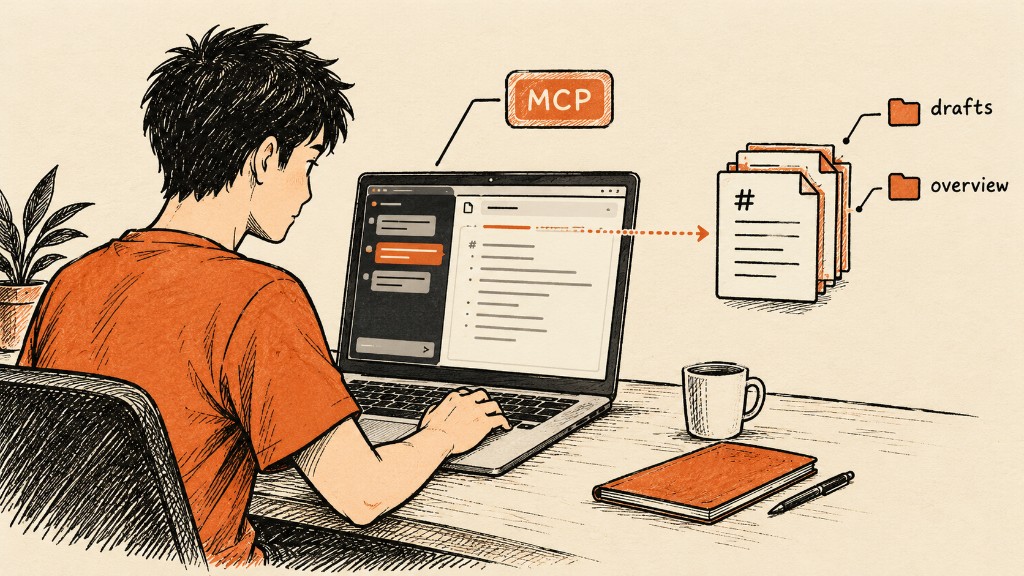
Dropins MCP is the other server
Dropins MCP reads @dropins/storefront-* in a boilerplate checkout and answers with container names and slots.
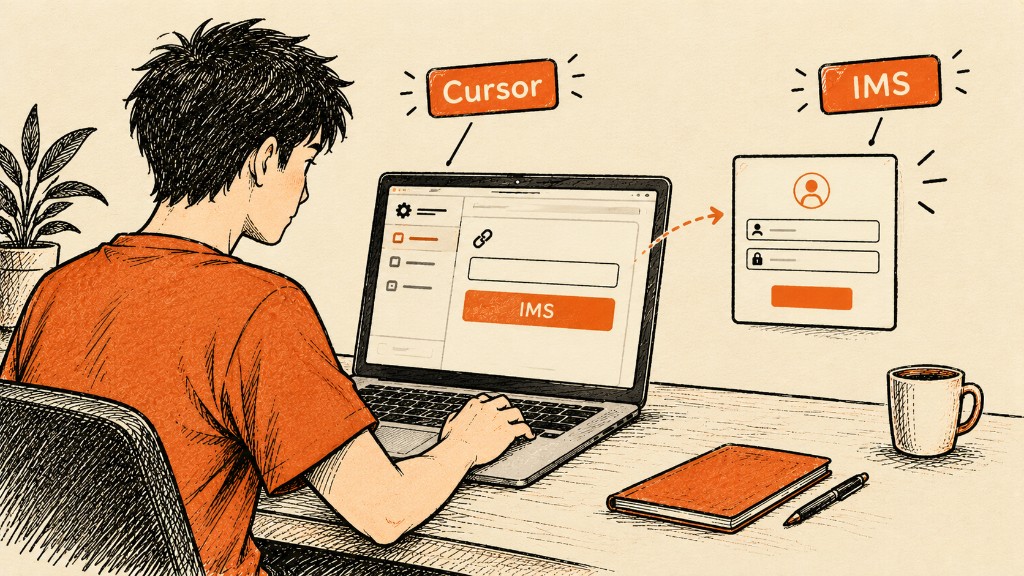
This server reads and writes an Experience Workspace org. The interactive URL is https://mcp.adobeaemcloud.com/adobe/mcp/da. Adobe IMS does the login. Cursor and Claude do not take a bearer token for that host.
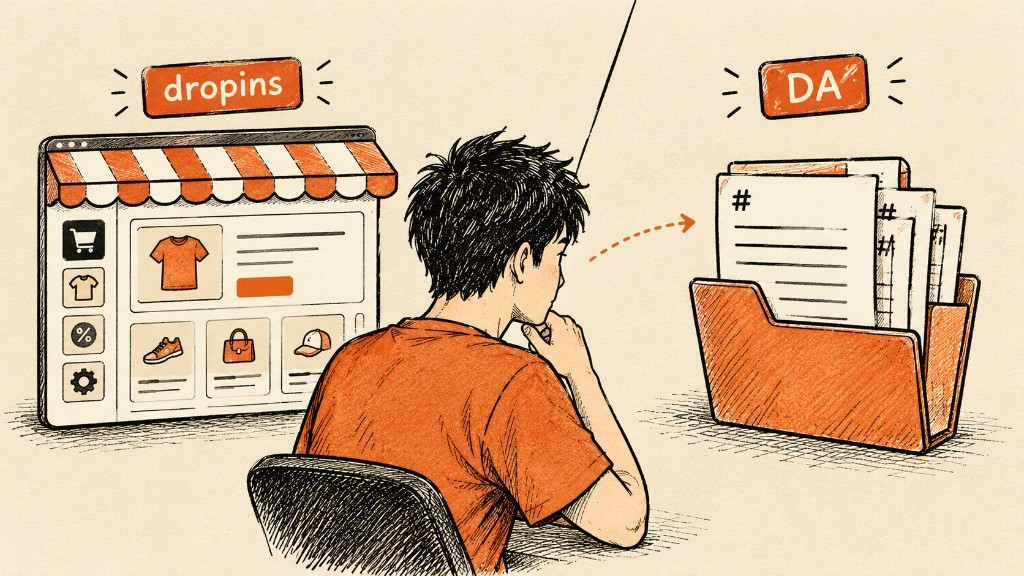
Pages that still live only in Google Docs, SharePoint, or AEM Author are outside that org. Experience Workspace (opens in new tab) uses the document-based repository. Adobe still documents the other sources as supported authoring systems. This URL will not see them.
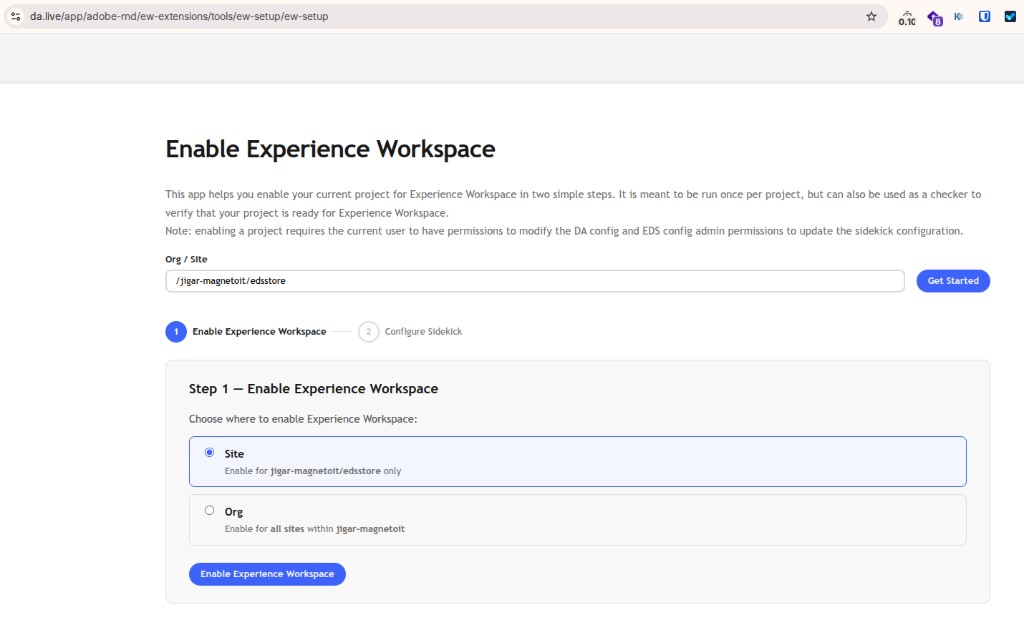
Enable Experience Workspace
Open the setup app (opens in new tab), paste org/site, and choose Site or Org. Site applies to that one site. Org applies to every site in the org. The second step is Configure Sidekick. The page says the signed-in user needs permission to change the DA config, and EDS config admin permission when Sidekick is updated.
The ten tools
Adobe lists ten. The names are worth putting in the prompt when the agent gets vague.

| Tool | What Adobe says it does |
|---|---|
da_list_sources | Browse directories and list files in a repository |
da_get_source | Read the full content of any file |
da_create_source | Create a new file with provided content |
da_update_source | Update an existing file in place |
da_delete_source | Delete a file |
da_copy_content | Copy content from one location to another |
da_move_content | Move or rename content |
da_get_versions | View version history for a file |
da_lookup_media | Look up media asset references |
da_lookup_fragment | Look up content fragment references |
da_lookup_media and da_lookup_fragment return a reference already in the repo. After the write, you publish from Experience Workspace.
The assistant panel (opens in new tab) is a different surface. That chat sits inside Experience Workspace and talks to Adobe Coworker. This MCP is the external one.
Connect it from Cursor
Adobe's Cursor example goes in .vscode/mcp.json, or in your global Cursor MCP settings:
{
  "mcpServers": {
    "da-prod-mcp": {
      "url": "https://mcp.adobeaemcloud.com/adobe/mcp/da"
    }
  }
}
If the project already has .cursor/mcp.json, add the same mcpServers entry there. That file is where Cursor loads project servers, including on this site. Restart Cursor after you save it. The first call should send you through Adobe IMS. The docs say this config has no token.
Claude, and the host that wants a token
Claude.ai is Settings, Connectors, Add, then Add custom connector. Name it DA MCP. Use https://mcp.adobeaemcloud.com/adobe/mcp/da. Leave the optional fields empty. IMS runs from the connector.
Claude Desktop on macOS reads ~/Library/Application Support/Claude/claude_desktop_config.json:
{
  "mcpServers": {
    "da-live-admin": {
      "type": "streamable-http",
      "url": "https://mcp.adobeaemcloud.com/adobe/mcp/da"
    }
  }
}
A backend job uses a different host and sends the token itself. Adobe's steps are: create an Edge Delivery Services card at the Adobe Developer Console (opens in new tab), add that email on the org config sheet at http://da.live/config#/{YOUR_DA_ORG}/, then call the workers host:
{
  "mcpServers": {
    "da-live-admin": {
      "type": "streamable-http",
      "url": "https://da-mcp.adobeaem.workers.dev/mcp",
      "headers": {
        "Authorization": "Bearer YOUR_DA_USER_IMS_TOKEN"
      }
    }
  }
}
mcp.adobeaemcloud.com is the IMS login. da-mcp.adobeaem.workers.dev is the bearer-token host. Put the second URL in Cursor and you are on the path that expects a token you have not configured.
Name the org, the site, and the path
Adobe's tip, and the one I would put in every prompt: give the full org, site, and path. "Show me the about folder" can land in the wrong repo. Their example is my-org/pilot-project/about/.

For a write, ask to print the markdown first. The page says to confirm before da_create_source or da_update_source, especially on a long page. da_delete_source is in the list. I would keep delete out of a prompt that also says "clean this up."
Adobe says a multi-step ask can finish in one turn. Their example is copy three files into a new folder and update the navigation in each. I would still start with a list, so I can see which site the login opened.
Use da_list_sources on my-org/pilot-project/drafts/. List the files. Do not create or update anything.Use da_get_source on my-org/pilot-project/drafts/overview. Show me the markdown. Do not write it back.Draft a page at my-org/pilot-project/drafts/holiday-shipping. Show me the markdown first. After I confirm, call da_create_source. Then give me the DA edit link.Swap in a real org, site, and path. my-org/pilot-project is only a shape.
Adobe's Claude Project sample
Claude Projects keep the domain map so you stop repeating it. This block is Adobe's sample. Change the domains and the drafts folder before you trust it.
## Domains
- https://docs.da.live → https://main--docket--da-pilot.aem.page
- https://authorkit.dev → https://main--author-kit--aemsites.aem.page

## Instructions
- When given a production URL, find it in the domains above and use the corresponding AEM URL to resolve the org, site, and path.
- Give a high level overview if editing content not in drafts, otherwise, just update the content.
- Always supply a DA edit link after editing content.
- If I don't give you a path, make something in /drafts/cmillar
- If creating content in a drafts folder, always preview it immediately
The last instruction is someone else's drafts folder. Paste it unchanged and new pages land in /drafts/cmillar.
Where I would start
A markdown fix in a DA org: a wrong heading, a swapped fragment reference, the same paragraph in a few locale files. List the folder, read the file, show the markdown, then write.
Storefront blocks stay with dropins MCP (opens in new tab). Publishing stays in Experience Workspace. The first call I would make is da_list_sources on a drafts path I already know.
Official resources
- Experience Workspace MCP (opens in new tab)
- Document Authoring is now Experience Workspace (opens in new tab)
- About Experience Workspace (opens in new tab)
- Assistant panel (opens in new tab)
If you connect Cursor to a real org, I want to hear whether IMS completed, and whether da_list_sources returned the drafts folder you asked for.
Connecting Cursor to a Document Authoring org?
I can look at whether the content is already in Experience Workspace, or still in Docs, SharePoint, or AEM Author. This MCP only sees the document repo.