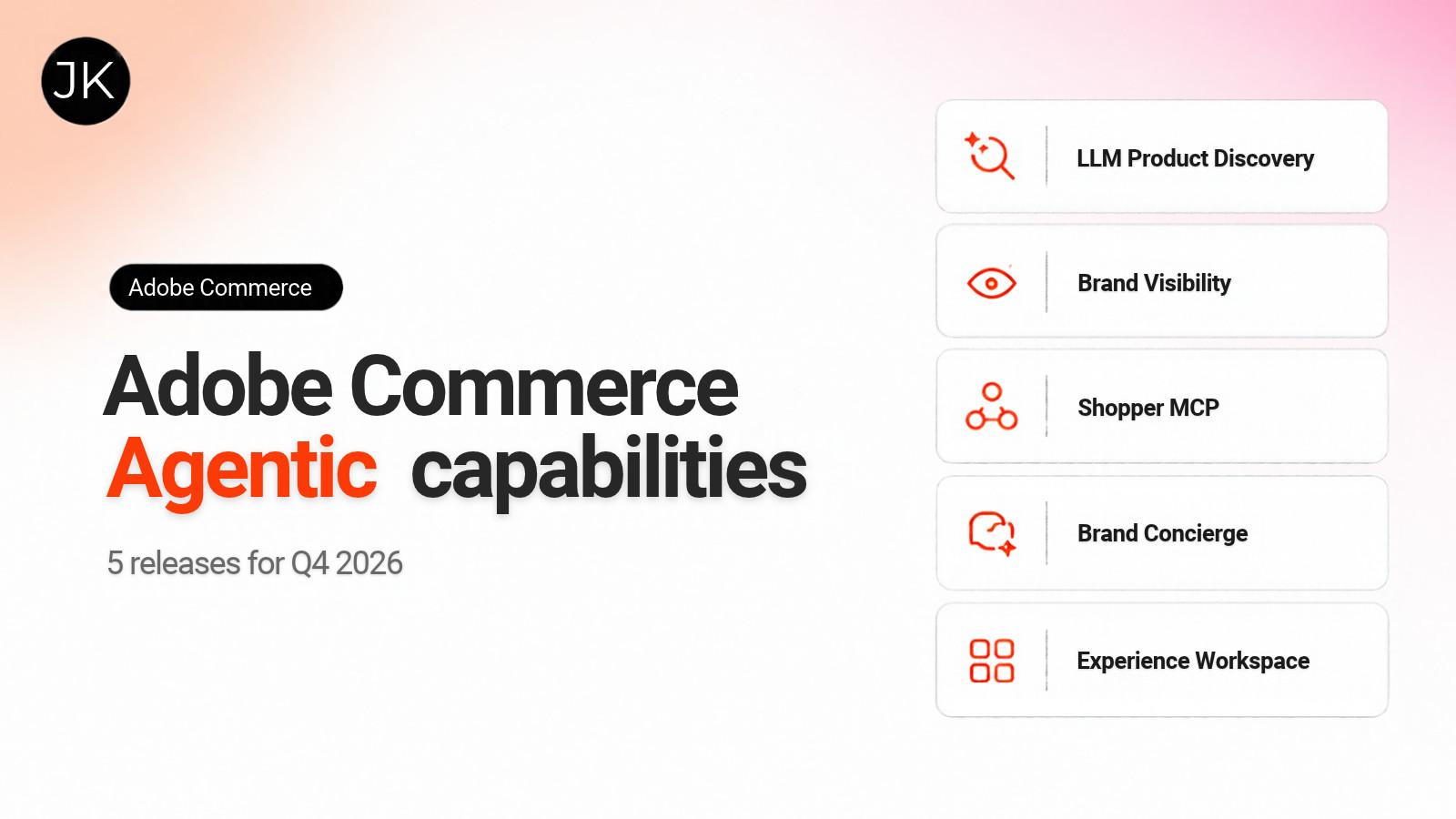
Adobe shipped a batch of agentic commerce features this quarter. There are five of them, and they land on different editions at different times. That is the part a project plan gets wrong.
Adobe groups them by the shopper journey: discover, engage, convert. I sort them by who does the work.
| Release | What it does | Who sets it up |
|---|---|---|
| Product Discovery on LLMs | Enriches product names, descriptions, and PDPs so ChatGPT, Gemini, and AI search can read them | Merchandisers, from the Admin |
| Adobe Brand Visibility integration | Shows how the brand and its products appear in LLM answers, then applies the same optimizations | Marketing and SEO/GEO |
| Shopper MCP server | Gives AI agents live access to catalog, cart, checkout, and orders | Developers |
| Brand Concierge integration | A conversational shopping assistant on your own site, grounded in Commerce data | Ecommerce and marketing |
| Experience Workspace | Author storefront pages by prompting an AI assistant | Content authors |
1. Product Discovery on LLMs
This is the top of the funnel. Shoppers now ask an assistant before they open a search bar. If the assistant cannot read your product page, you are not in the answer.
Adobe's own example is a coffee catalog. The spec says Arabica, honey process, medium roast. A shopper asks for "a smooth, low-acidity coffee that's easy for a beginner." Nothing in the spec matches those words. Catalog enrichment infers the shopper-facing traits (low acidity, creamy mouthfeel, beginner-friendly) and writes them into the description.
There are two optimizations.
Catalog enrichment rewrites product names and long descriptions. The Commerce Catalog Agent finds the gaps, proposes a change with a before-and-after and a reason, and writes the approved change back to the Commerce catalog. The copy is fixed at the source, so the storefront, feeds, and every other channel that reads those fields get it too.
PDP enrichment serves structured product data to AI crawlers at the CDN edge. The human storefront does not change. Adobe describes three layers of data:
| Layer | Examples |
|---|---|
| Base | Name, price, inventory, description, brand, category |
| Semantic | Audience, material, color, fit profile, care type |
| Relational | Is variant of, is similar to, links to blogs and FAQs |
The point of PDP enrichment is the content that crawlers miss: tabs, accordions, and pop-ups that only render after JavaScript runs.
New this release: brand governance and Enrichment Manager
Two controls were added so enrichment does not drift off-brand.
- Brand governance. Set rules once: tone, words to always use, words to never use, capitalization. Then add rules per moment, for example urgency for Black Friday or gift language for the holidays.
- Enrichment Manager. Pick a subset of the catalog (a category, seasonal products, a sub-brand), run a job for it, and see its status and history.
Which editions get it
| Edition | Catalog enrichment | PDP enrichment |
|---|---|---|
| Adobe Commerce PaaS and on-prem | Since July 2026 | November 2026 |
| Adobe Commerce as a Cloud Service | November 2026 | November 2026 |
At the time of writing, the Admin menu still marks PDP enrichment as beta.
Enabling catalog enrichment on PaaS
The catalog enrichment docs (opens in new tab) list the install:
composer require magento/module-catalog-enrichment:^2.1
bin/magento setup:upgrade
bin/magento cache:flush
In production mode, also run setup:di:compile and setup:static-content:deploy. Catalog Service has to be installed too.
Check these before you promise a date:
- Version. Catalog enrichment 2.1.2 and later needs Adobe Commerce 2.4.7+ on PHP 8.3+.
- Conflict. It cannot be installed alongside the Brand Visibility extension,
magento/llm-optimizer. Remove that one first. - IMS sign-in. Enrichment uses the Admin user's Adobe IMS token. That means enabling the Admin Integration with Adobe ID, and that change is instance-wide. Every Admin user then signs in through IMS, and username-and-password login stops working. Tell the client before you turn it on.
- GenAI rider. The org must have signed the GenAI rider, or opted out.
- Crawlability. The storefront has to be crawlable by LLM and agent bots.
After that, it is under AI Product Discovery > Catalog Enrichment. Fill in the store view URL, environment ID, website, store, and store view codes, and the host name on the Settings tab. Adobe says suggestions can take up to 24 hours to appear.
Before any of this, run Adobe's free AI Content Visibility Checker (opens in new tab) Chrome extension on a few PDPs. It shows what share of the page an AI agent can read, next to what a human sees. That number does most of the convincing.
2. Adobe Brand Visibility integration
Brand Visibility is Adobe's GEO product. It tracks prompts, competitors, and brand mentions across ChatGPT, Perplexity, Copilot, and Google AI Mode, and it shows agentic traffic. The Commerce integration adds catalog and PDP enrichment to the optimizations it can deploy, and ties them to business KPIs.
| Edition | Availability |
|---|---|
| Adobe Commerce PaaS and on-prem | November 2026 |
| Adobe Commerce Optimizer | November 2026 |
| Adobe Commerce as a Cloud Service | 1H 2027 |
Merchants not on Adobe Commerce
This is the bigger change. Merchants on Salesforce Commerce, SAP Commerce, HCL, or a homegrown platform can now get product discovery too, through Brand Visibility plus a headless Adobe Commerce Optimizer. Adobe says the name of the headless ACO will change before launch.
The merchant sends the catalog to ACO, through an SDK or the pre-built Salesforce and SAP connectors. The Catalog Agent enriches it. Brand Visibility serves the enriched PDP data at the edge. Catalog update events sync the enriched copy back to the source platform or PIM. The storefront stays where it is.
Adobe pitches it hardest to merchants who run AEM Sites in front of a third-party commerce platform. For an integrator, that is a way into an account without a replatform.
3. The Shopper MCP server
This is the developer piece. The Shopper MCP server gives AI agents secure, real-time access to Adobe Commerce data and actions. Build one integration instead of a custom one for every assistant.
Adobe says it exposes 21 commerce tools in three groups:
| Group | Tools cover |
|---|---|
| Product discovery | Product options, comparison, pricing, availability, semantic search, personalized recommendations |
| Purchase | Add to cart, cart management, checkout, payments, promotions, saved addresses and payments |
| Post-purchase | Order status, order history, returns, refunds |
It is open by design. You can build your own branded assistant on it, or plug it into ChatGPT, Claude, or Gemini. The deck also places it beside UCP and ACP, the agentic checkout protocols.
Roadmap
| November 2026 | 1H 2027 | |
|---|---|---|
| Editions | PaaS, ACCS, ACO | Same |
| Regions | North America, EMEA | Adds APAC |
| Features | Discovery, recommendations, cart, order status, guest and logged-in flows | Agent governance, B2B, extensibility |
| Checkout and payments | Early access | GA |
Two limits for scoping. At launch it is B2C only. B2B is on the 1H 2027 list. Extensibility is also 1H 2027, so a custom attribute or a custom checkout step may not be reachable through the server on day one.
The use case Adobe sees most in early access is the on-site shopping assistant: discovery, comparison, cart, checkout, and order tracking in one chat. Others on the list are support automation, a cart rebuilt from past orders, upsell agents, and guided configuration.
Adobe says developer docs will be on Experience League closer to GA. For now there is an overview video (opens in new tab) of a custom assistant running on it.
This is not the dropins MCP (opens in new tab) or the Experience Workspace MCP (opens in new tab). Those are for developers and authors building the store. The Shopper MCP is for agents acting for a shopper.
4. Brand Concierge integration
Brand Concierge is Adobe's conversational experience product. The Commerce integration grounds it in live catalog, price, and inventory data, so the answers come from the store and not from the model's memory.
| November 2026 | 1H 2027 | |
|---|---|---|
| Editions | PaaS, ACCS, ACO | Same |
| Features | Discovery (descriptions, variants, attributes, facets, live price and stock, search), side-by-side comparison, product cards in the conversation | Recommendations, cart, checkout and payments, order status, returns, exchanges, B2B |
So the November release is discovery and comparison. Buying in the conversation comes in 1H 2027.
Under the hood it is a consumer of the Shopper MCP server. That is the reason to learn the MCP first, even on a Brand Concierge project.
The fit is high-consideration products and large or complex catalogs, where shoppers need guidance: cars, eyewear, building materials, electronics. It is also an easier sell to clients already on AEM Sites, Real-Time CDP, Target, Journey Optimizer, or Marketo, because Brand Concierge integrates with those. The integration comes with a Brand Concierge license.
5. Experience Workspace
Experience Workspace is the new authoring surface for Edge Delivery storefronts. You describe a page in plain language, the assistant builds it, and you refine it on a visual canvas with a live preview. Adobe's example prompts:
Build me a summer marketing campaign page for Orchard5 smartphone
Add product cards for accessories for this phone
Add a metadata block with relevant SEO keywords for this page
The canvas has the AI assistant on one side, document and visual editing with a live preview in the middle, and an outline, file explorer, version history, block library, and AEM Assets on the other. You can save prompts, upload reusable skills, configure MCP servers, and set brand guidelines.
What matters for current projects:
- Existing ACCS and ACO customers can switch to New Authoring and try it now.
- Universal Editor stays. Adobe gives no sunset date.
- New customers default to Experience Workspace.
- Known gaps before GA: the Experimentation, Product Picker, and Generate Image Variations plugins; the blocks registry in visual editing; key/value pairs in blocks.
- The live preview renders data fetched by drop-ins, so commerce blocks show real products while you edit.
The canvas is included with ACCS and ACO. Pricing for the AI assistant has not been announced.
I wrote up the Experience Workspace MCP (opens in new tab) separately. That one connects Cursor or Claude to the same document repo from outside.
Where I would start
For a client on PaaS, start with catalog enrichment. It is the only one of the five that is self-service in the Admin today. Run the visibility checker on ten PDPs, plan the IMS switch, then enable enrichment on one store view.
For a client planning an on-site assistant, read the Shopper MCP tool list against their checkout. If they need B2B or custom checkout steps, it is a 2027 conversation.
For a client on Salesforce or SAP asking about AI visibility, the headless ACO path is the new answer. Nobody has to replatform.
Official resources
- Catalog enrichment (opens in new tab)
- Commerce AI product discovery (video) (opens in new tab)
- Commerce MCP overview (video) (opens in new tab)
- Adobe Brand Visibility (opens in new tab)
- AI Content Visibility Checker (opens in new tab)
- About Experience Workspace (opens in new tab)
Planning agentic commerce for your store?
I can check which of these your edition gets, what the IMS switch means for your Admin users, and whether the Shopper MCP covers your checkout.