 Jigar Karangiya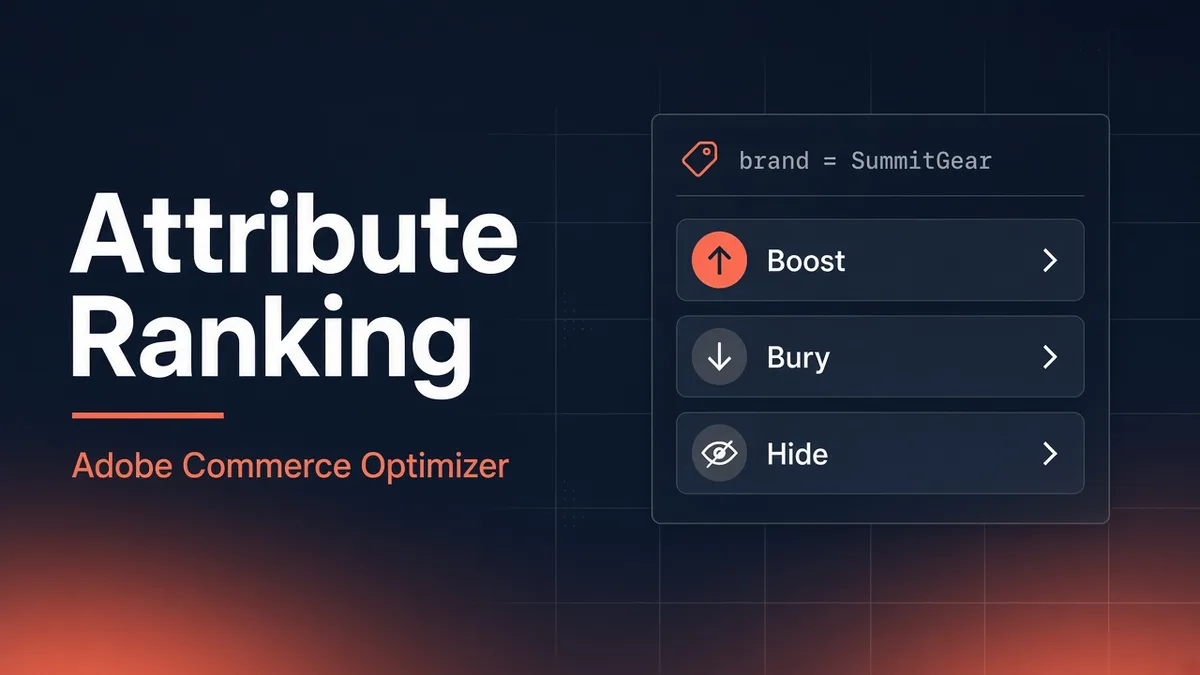
Suppose a client on Commerce Optimizer calls and says: "We need to bury every clearance SKU again. Same thing we did last quarter. Can your team do it, or is there a faster way?"
That question shows up a lot once the catalog gets past a few thousand SKUs. The strategy is never the hard part. Someone already decided outlet stock should sit lower on category pages. The grind is operational: export SKUs from a spreadsheet, reconcile against what the PIM actually synced, add bury events in Optimizer Studio one by one, then fix the list when a typo slips in or new clearance products land mid-week.
Attribute ranking landed in the September 2026 Optimizer release (opens in new tab). Public beta. Match on an attribute value and Optimizer applies Boost, Bury, or Hide to every product that hits. No event list to rebuild when new SKUs show up under the same brand or collection tag.
I have not shipped this in production yet. This post is the answer I would give on that client call today: what the feature does, where it helps, where it does not, and what to check before anyone opens the rule editor.
What changed, in one sentence
Before: manual ranking meant one Boost/Bury/Hide event per SKU, capped at 25 events per rule.
Now: same actions, but keyed off attribute values like brand, manufacturer, category, or any filterable text attribute your catalog actually exposes. Up to 25 attribute conditions per rule.
Intelligent ranking (most viewed, trending, and the rest) still does its thing for products attribute ranking does not touch.
If Optimizer is new on your account, start with my Optimizer overview. This post is for people already living in search rules and category rules.
The job it is actually hired for
Attribute ranking is not a replacement for intelligent ranking or manual pins. It is what you reach for when the business rule is dimensional, not SKU-specific.
| Business says... | Old workflow | With attribute ranking |
|---|---|---|
| "Push everything from our house brand this month" | Export brand filter, paste SKUs, pray nothing new launched | Boost on brand = RoadRunner OE |
| "Outlet inventory should never sit above full price on category pages" | Weekly bury list from merchandising | Bury on collection = FW25_outlet |
| "Competitor parts cannot appear in search for logged-in dealers" | Custom integration or manual hide list | Hide on brand = CompetitorLine inside a dealer search rule |
The third row is where I think this gets interesting for B2B-ish catalogs. Hiding by manufacturer or brand across search results is a policy move, not a campaign move. You do not want that tied to a CSV someone forgets to update.
Where I would use it first
Not everywhere on day one. Three places worth a sandbox test:
Category rules on high-traffic PLPs. Fashion and home goods clients always have a "this line is done, stop showing it above new season" conversation. Burying collection = SS24_closeout on the parent category beats maintaining bury events for 300 dresses that share one merchandising tag.
Search rules tied to commercial terms. If paid search lands on query contains brake pads, boosting brand = StopFast (house brand) inside that rule is cleaner than pinning four hero SKUs and hoping the rest of the catalog sorts itself.
All product listings for compliance hides. If legal says "nothing from supplier X should appear in default browse," a hide on manufacturer = ApexMotors Aftermarket on the default listing rule beats a hide list that someone has to re-check every time the catalog sync runs.
Pinning a hero SKU for a homepage feature? Still manual ranking. Attribute ranking cannot pin. Adobe was clear about that and I agree with the split.
Where I would not bother
Small catalogs. Under 2,000 SKUs with a stable assortment, manual ranking is faster to reason about. You see exactly which SKUs moved. Attribute ranking pays off when the match set is large or volatile.
Messy attribute data. If brand in your PIM is BOSCH, Bosch, and bosch across different feeds, attribute ranking will embarrass you. The value field is case-sensitive free text. One condition does not catch all three spellings. Fix the catalog (or normalize on ingest through the ACO Connector) before you touch rules.
"Sort by price" as the default shopper behavior. Boost and bury behavior in Optimizer assumes default relevance sort on search and position/relevance on categories. If your storefront pushes price sort first, preview results will not match what shoppers see. That is an older rules quirk, not new to attribute ranking, but worth checking on headless storefronts where sort defaults are easy to misconfigure.
Replacing category assignment. Burying category = Discontinued does not remove products from navigation trees. It changes order inside a rule's result set. If the product should not appear at all, fix category assignment or visibility at the catalog source.
The conflict rule that actually matters
Adobe documents a simple priority: Hide beats Boost and Bury.
Fine. The scenario that will burn you in a client demo is messier.
Say marketing wants Boost on collection = HolidayGiftable for November search traffic. Procurement simultaneously wants Hide on manufacturer = RecalledVendor because three SKUs from that supplier are still indexed under giftable collections.
Any product that matches both gets hidden. Marketing will swear the boost is broken. It is not. Hide won. That is correct per the rules engine, wrong per the org chart.
Document that before go-live. Better: run the Test your rule pane with a SKU you know sits in both sets and screenshot the result for the merchandising lead.
Attribute actions also beat intelligent ranking for matched products. If you bury collection = FW25_outlet and run Most purchased on the same rule, outlet lines stay buried even when they outsell everything else. That is usually what you want for clearance. It is surprising when someone expected behavior signals to rescue a buried line.
A rollout I would actually run
Week 1 is catalog hygiene, not admin clicks.
- Pull distinct values for
brand,manufacturer, and whatever collection tag merchandising actually uses. Group by lowercase and look for duplicates. - Pick one sandbox rule on a low-risk category PLP. Single bury condition. Compare preview to live storefront after indexing settles.
- Add intelligent ranking on the same rule only after bury behavior is confirmed. Tuners love cranking Intelligent Ranking Boost to 80 on day one. That can swamp manual boosts on individual hero SKUs. Keep boost at default until attribute conditions are stable.
- Roll the same hide condition into All product listings only after search and category rules are signed off. Compliance hides are the ones you do not want to debug under traffic.
No storefront deploy. Rules apply at query time on the Merchandising Services side. Edge Delivery drop-ins pick up order changes without a code push. Same story if you are on semantic search: it still runs, attribute ranking just reshuffles inside active rules.
What still caps you
Worth knowing, not worth turning into a spec sheet:
- 25 attribute conditions per rule
- Filterable text attributes only (no "bury everything under $20" unless you modeled price bands as an attribute, which please do not)
- Case-sensitive values
- Public beta, so log the feature flag in your runbook
Feedback email if you hit something weird: commerce-storefront-services@adobe.com (opens in new tab).
Bottom line
Attribute ranking is the feature I would pilot on the next large-catalog Optimizer account where merchandising still lives in spreadsheets. It does not fix dirty attributes, org politics around Hide vs Boost, or the need to pin a single hero SKU for a homepage slot.
For the client question at the top, that is the honest answer: stop rebuilding bury lists when the rule can target collection = FW25_outlet instead. Book a sandbox week for that. Just audit brand spelling before the first demo.